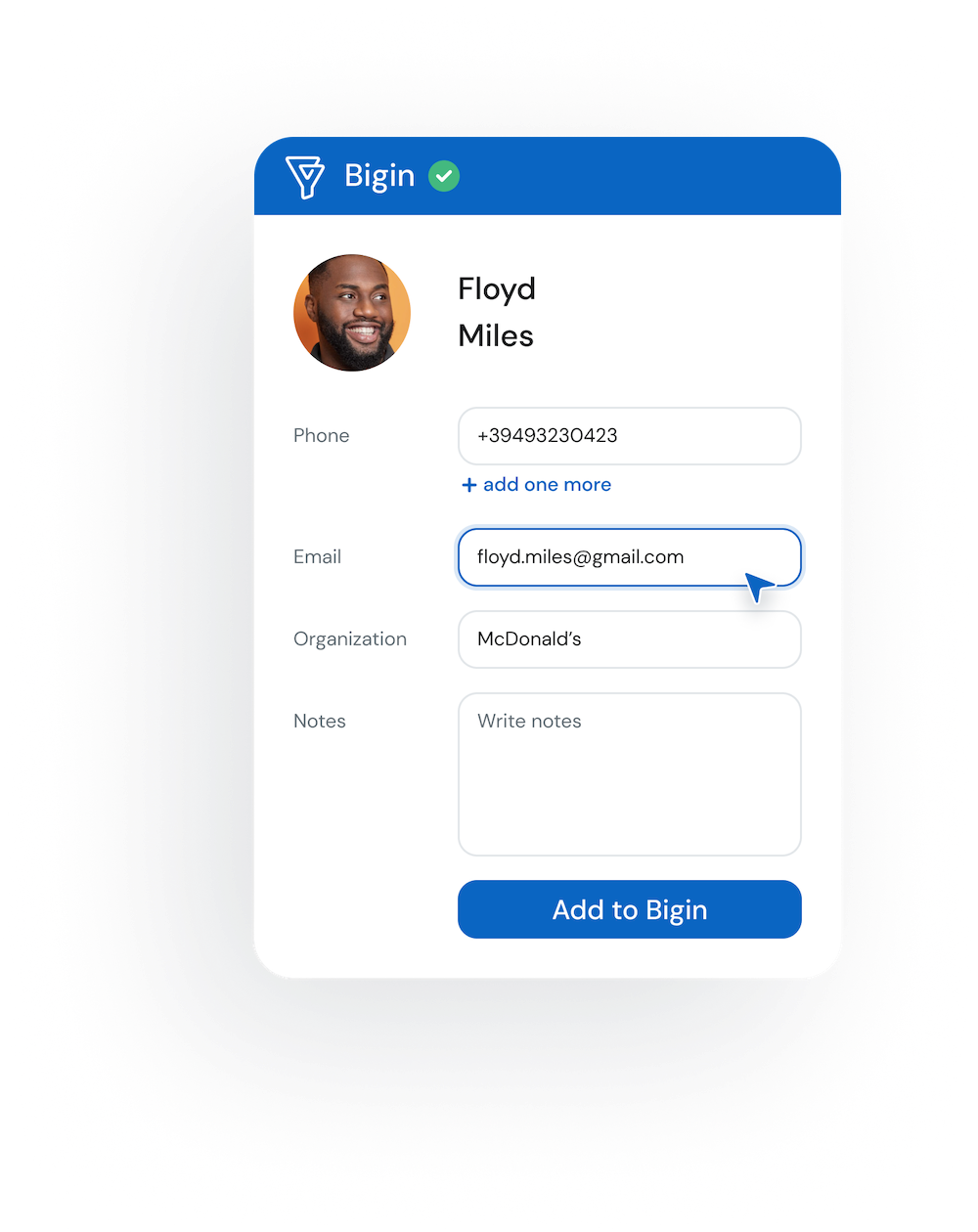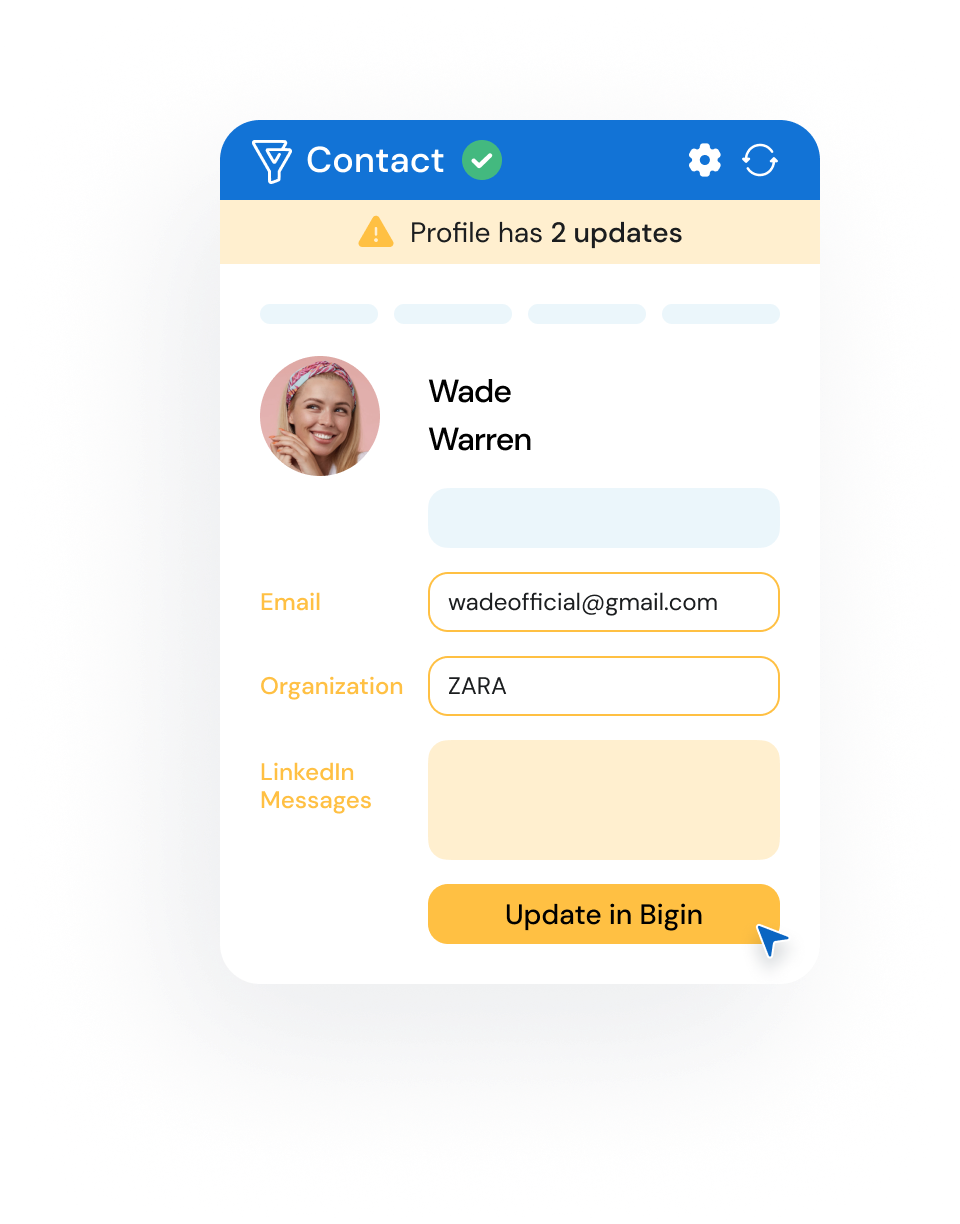
Streamline your prospecting with the LinkMatch Chrome Extension for Bigin on any professional networking site.
The LinkMatch Chrome Extension offers the market's most comprehensive and seamless solution for matching and saving online professional profiles directly to your Bigin CRM. Now with AI Insights!
Professional networking platforms - Bigin integration FAQ
How does LinkMatch AI work with Bigin?
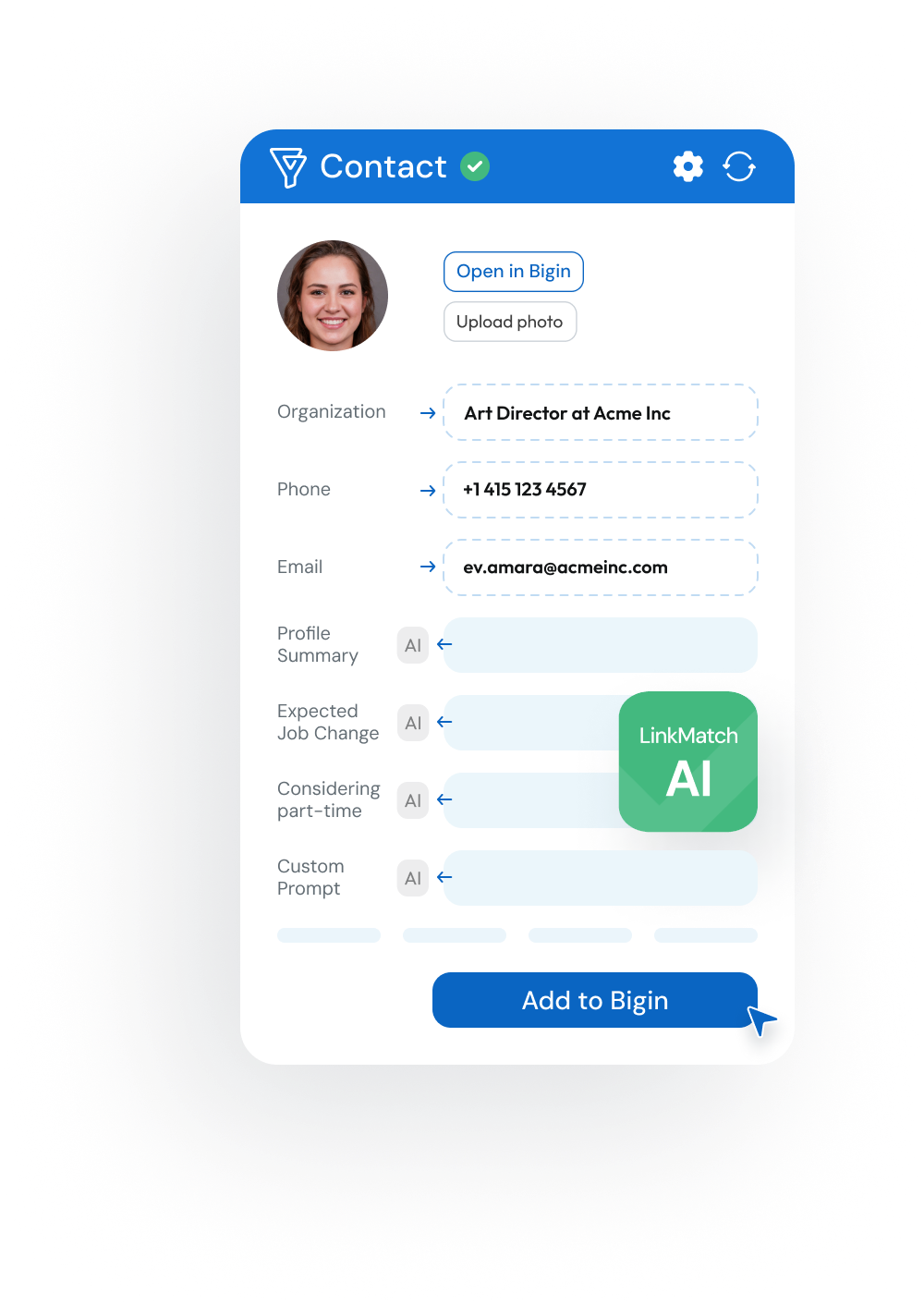
LinkMatch AI integrates seamlessly with Bigin to provide Pro Plan users with actionable insights like Lead Readiness Scores, Communication Style Analysis, Professional Scores, and Custom Prompts. These AI-powered fields populate automatically when you save leads, enabling sales and recruitment professionals to personalize outreach and prioritize leads or candidates directly within Bigin.
Can LinkMatch save my messages in my Bigin as Notes?
#
During the login into LinkMatch, I get a permissions error, what should I do?
#
What data from Zoho Bigin about my Leads and Companies can I view/edit on Professional networking platforms with the help of LinkMatch?
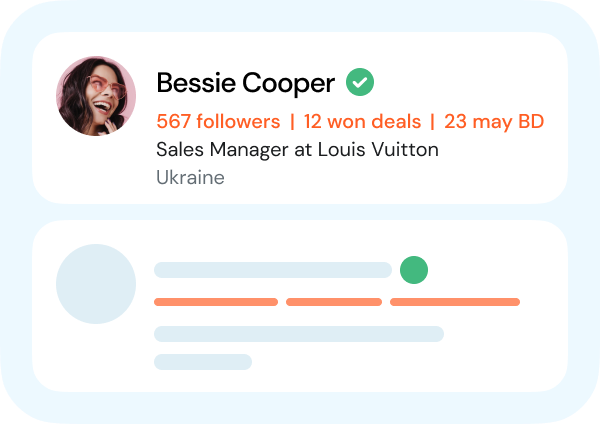
Pretty much everything: all the primary and custom fields, status fields, and Deals, Tasks and Notes assigned to the Lead.
Do you offer integrations with other CRM systems?
Currently we are integrated with Zoho CRM/Recruit, Pipedrive, Greenhouse, Close, HubSpot, Insightly, CATS, PCRecruiter. This list is constantly expanding with the plans of further integrations in the future. If you’d like us to integrate with a system that’s not on the list, please drop us a line at team@linkmatch.com and we’ll let you know what could be done.
Can I create a Zoho Bigin deal with LinkMatch from Professional networking platforms?
#
Can I create an Task/Note for Zoho Bigin lead on Professional networking platforms?